


React immediately
Start the configured action when an eligible incoming message matches a defined phrase.

Configure phrases that represent predictable customer intents, connect them with an eligible action or workflow, and retain fallbacks for messages that do not match.
Keywords work best for clear, deliberate customer intents where the next action is predictable.
Start the configured action when an eligible incoming message matches a defined phrase.
Direct order, pricing, support or appointment keywords toward the appropriate workflow.
Define what happens when no keyword or higher-priority default event matches.
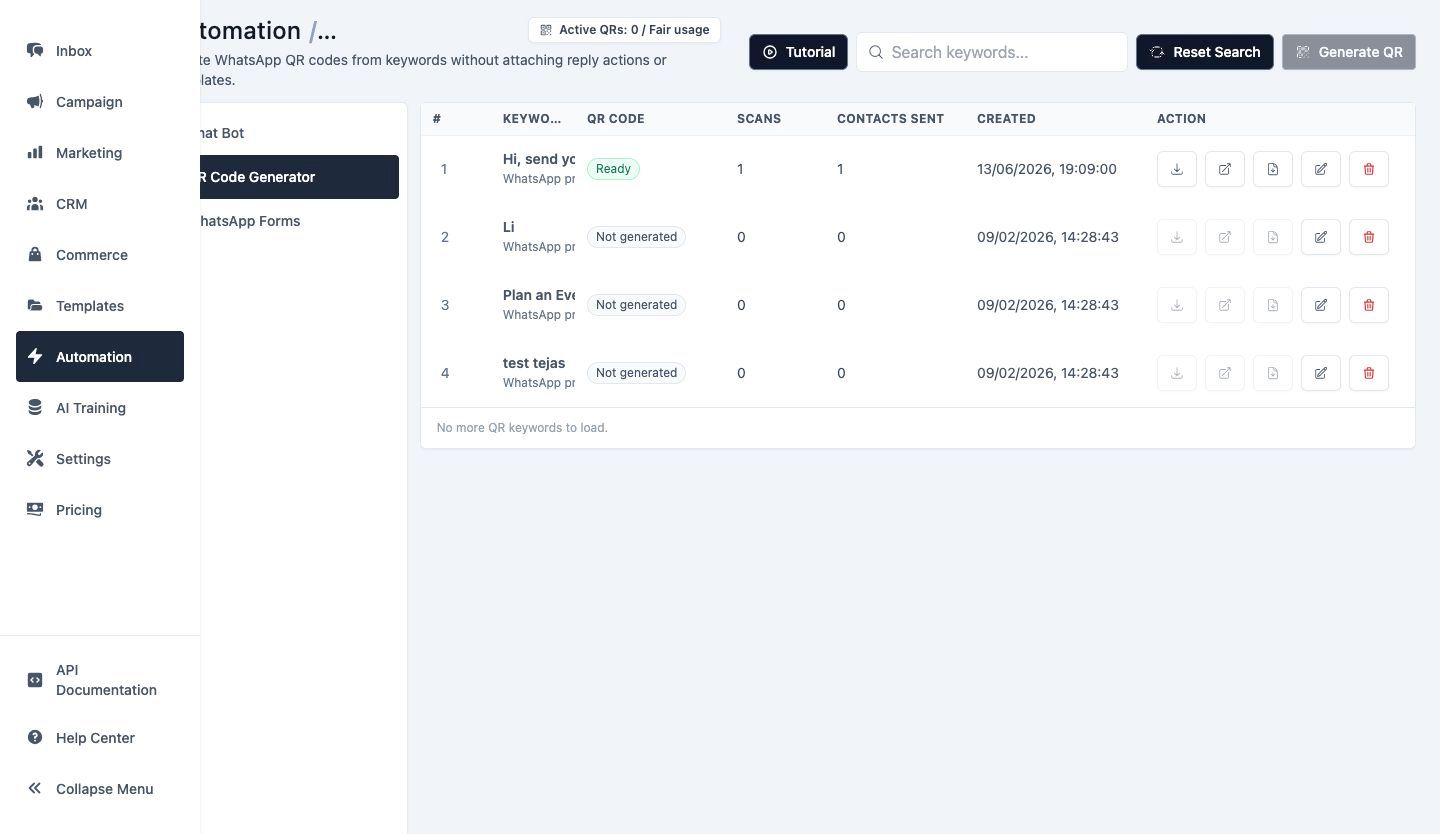
Review configured keyword actions in one list so teams can identify overlapping rules, inactive triggers and workflows that require an update.
Use clear internal naming and test realistic customer wording before activation.
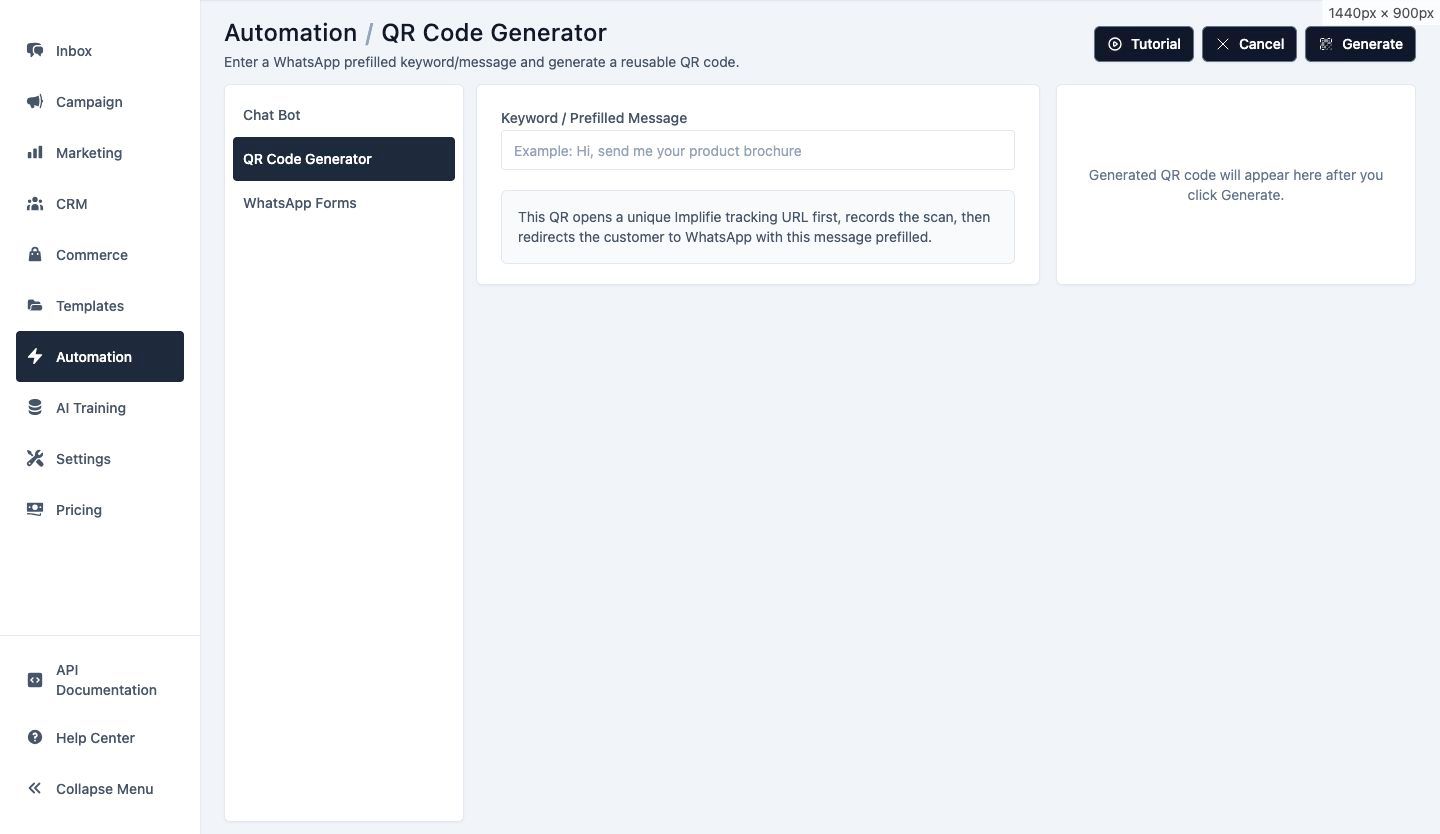
Add the intended keyword variants, select the supported response behavior and confirm which sender or workflow context applies.
A narrow, tested rule usually produces a clearer customer experience than a long list of unrelated phrases.
Select a repeatable request with a clear and useful next action.
Enter realistic words or phrases customers use for that intent.
Connect the rule to the supported reply, workflow or business action.
Try expected, unexpected and overlapping wording before activating the rule.
Start an approved pricing or qualification path from a clear pricing phrase.
Route order-related wording toward the appropriate supported information workflow.
Separate common help requests from sales or general enquiries.
Start a booking or qualification workflow from an appointment keyword.
Route a named product or category towards relevant information.
Recognize wording that should request or prioritize an agent handoff.
Implifie checks eligible incoming message text against configured phrases and runs the associated supported action when a rule matches.
Current trigger controls support multiple keyword values. Use variants that represent the same intent rather than combining unrelated requests.
A configured welcome, fallback or higher-priority default-action workflow can handle messages that do not match a keyword rule.
The current workflow normalizes message text for matching. Always test realistic punctuation, spacing and phrase variants before activation.
Use the appropriate supported workflow or fallback to preserve human handoff when the request requires judgment.
Connect conversations, customer context, campaigns and automation from the same workspace.
Configure focused keywords, useful actions and clear fallbacks without removing human support.