


Use the active conversation
Access available calling controls from the customer conversation when the organization and number support them.

For eligible organizations and numbers, enable WhatsApp Calling and handle supported voice interactions alongside the conversations and customer context already managed in Implifie.
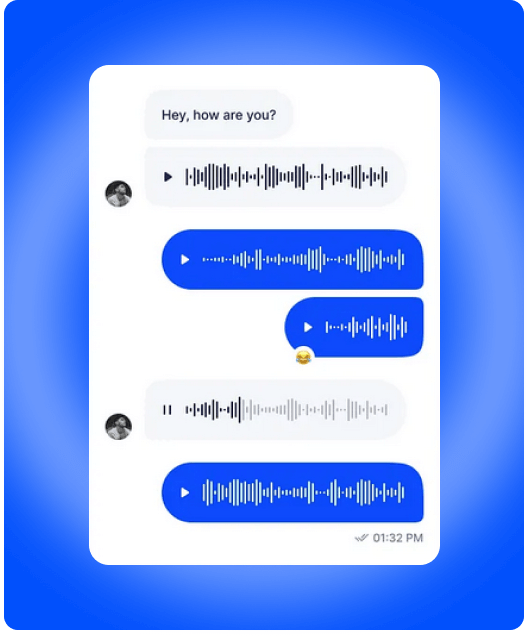
Move from text to a supported voice conversation without treating the call as an unrelated customer touchpoint.
Access available calling controls from the customer conversation when the organization and number support them.
Use inbox and CRM activity to understand the conversation before or after a call.
Configure WhatsApp Calling at the supported number level through Apps and Integrations.
WhatsApp Calling controls appear when the organization, connected number and calling configuration support the capability.
Use Settings → Apps & Integrations → WhatsApp Calling to review and enable eligible numbers. Availability remains subject to Meta account, number and regional support.
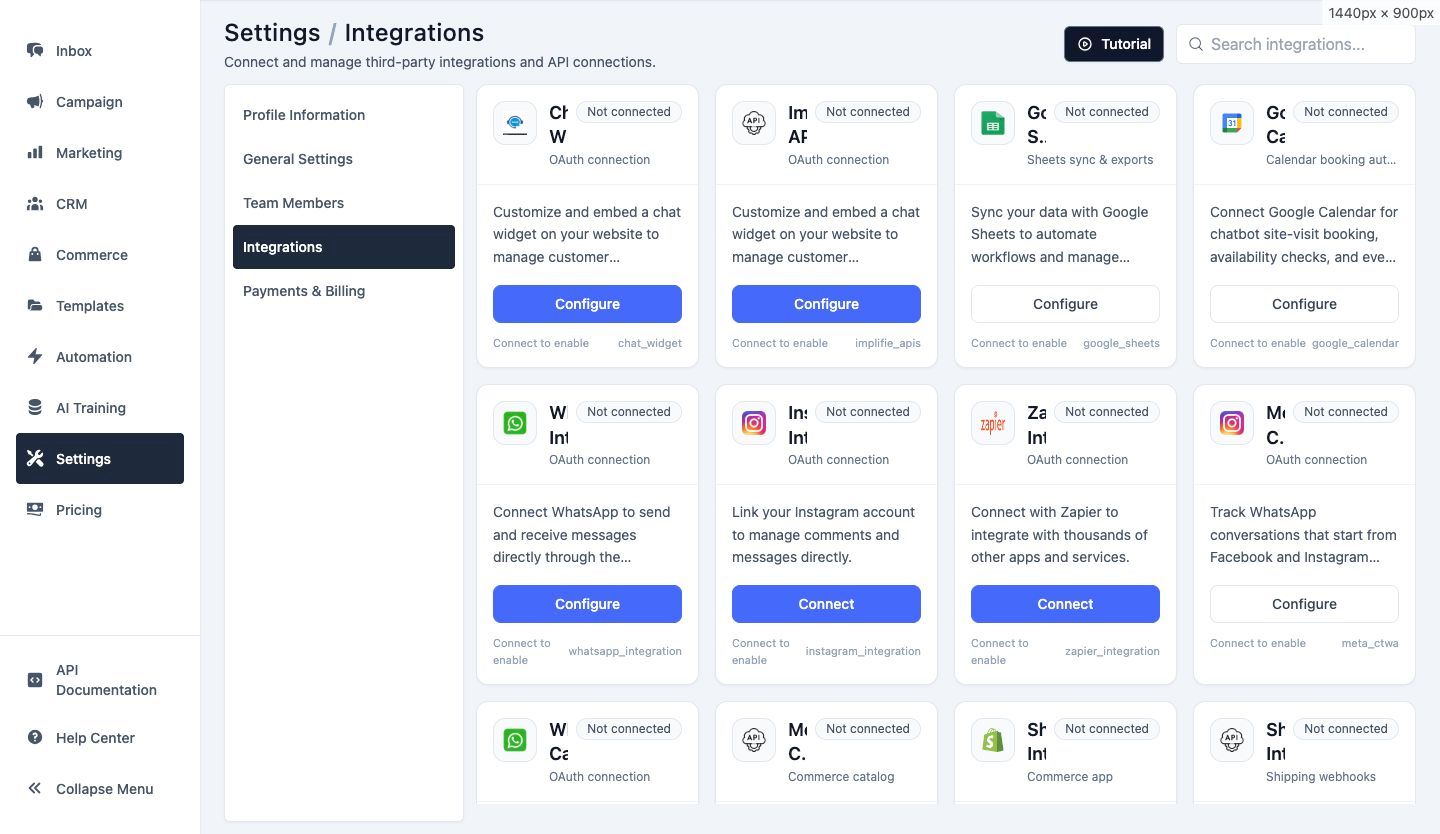
Complete the supported WhatsApp Business connection for the organization.
Confirm that WhatsApp Calling is available for the account, number and region.
Use the WhatsApp Calling integration settings to enable the supported number.
Access available calling controls from the conversation and review supported call activity in customer records.
Discuss a complex requirement after the customer has started a conversation.
Move an eligible support interaction to voice when real-time explanation is more effective.
Confirm important details with the customer when the workflow and permission support a call.
Answer detailed questions that may be cumbersome to handle across many messages.
Let assigned team members continue important customer conversations by voice.
Use a call to clarify context, then record the outcome in the wider customer workflow.
Calling support depends on the connected Meta account, WhatsApp number, organization and region.
The presence of a WhatsApp connection alone does not guarantee that calling controls will appear.
Use calling in accordance with customer consent, applicable rules and your organization's communication policy.
It is support for eligible WhatsApp Business voice interactions within the wider Implifie conversation and customer-management workflow.
Confirm that the organization and active number support WhatsApp Calling and that the number has been enabled under Apps & Integrations.
No. Availability can vary by Meta account, connected number, region, organization configuration and rollout status.
Supported call activity can appear in contact activity and CRM call-log areas, depending on the organization's configuration and available data.
No. Calling complements the shared inbox. Messaging, assignment, notes, customer context and human collaboration remain part of the broader workflow.
Combine connected Implifie capabilities to manage acquisition, conversations, follow-ups and support from one workspace.
Connect an eligible number and give teams another way to handle important customer conversations.