


Build an ordered journey
Arrange approved message templates in the order contacts should receive them.

Create an ordered campaign of approved WhatsApp templates, place delays between steps and run structured follow-ups for a selected audience.
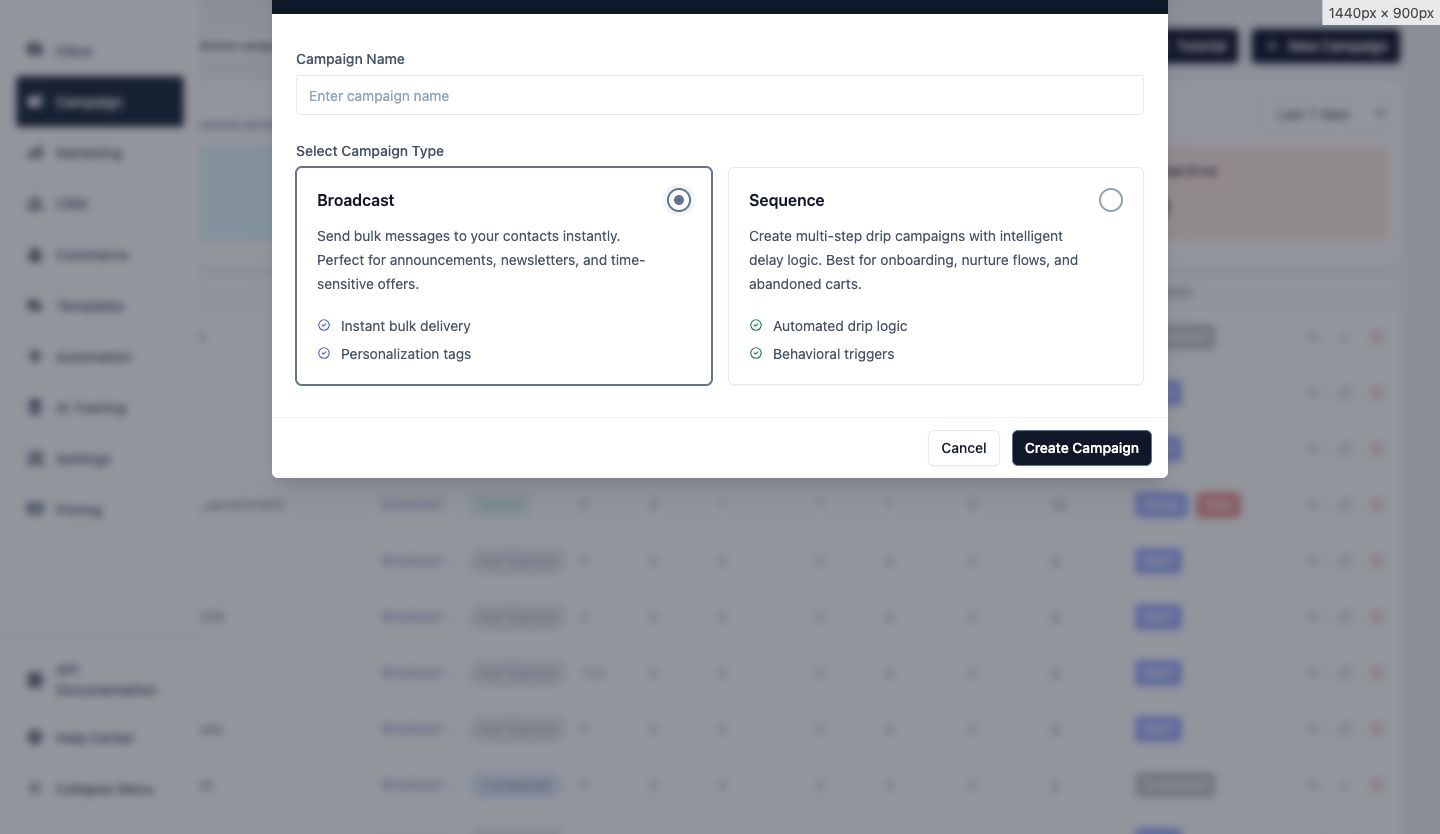
Sequences help teams plan a connected series of messages instead of recreating every follow-up manually.
Arrange approved message templates in the order contacts should receive them.
Add a delay before the next step so each message is sent at the intended point in the journey.
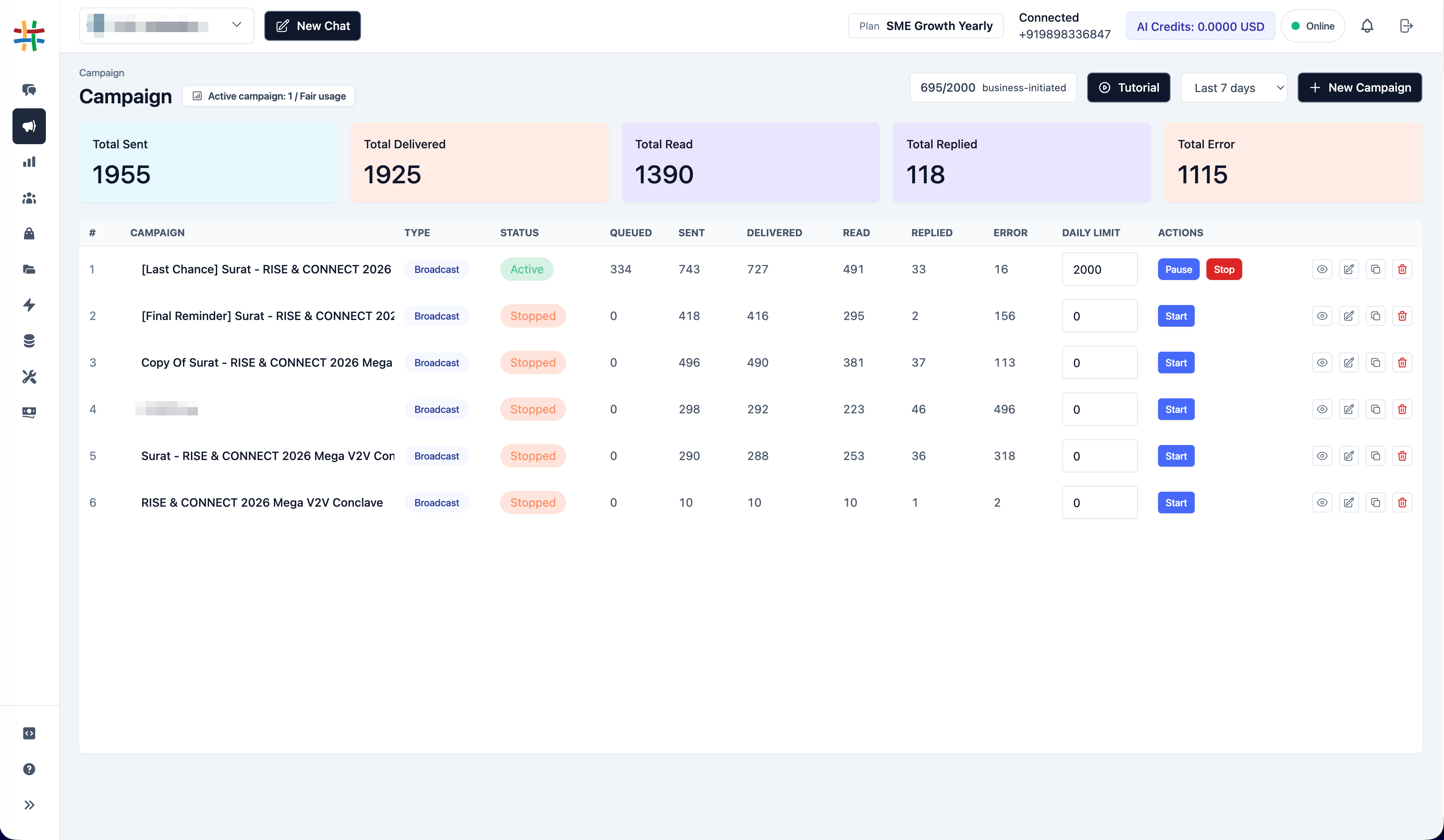
Review sequence status and use available pause, resume, duplicate or edit controls.
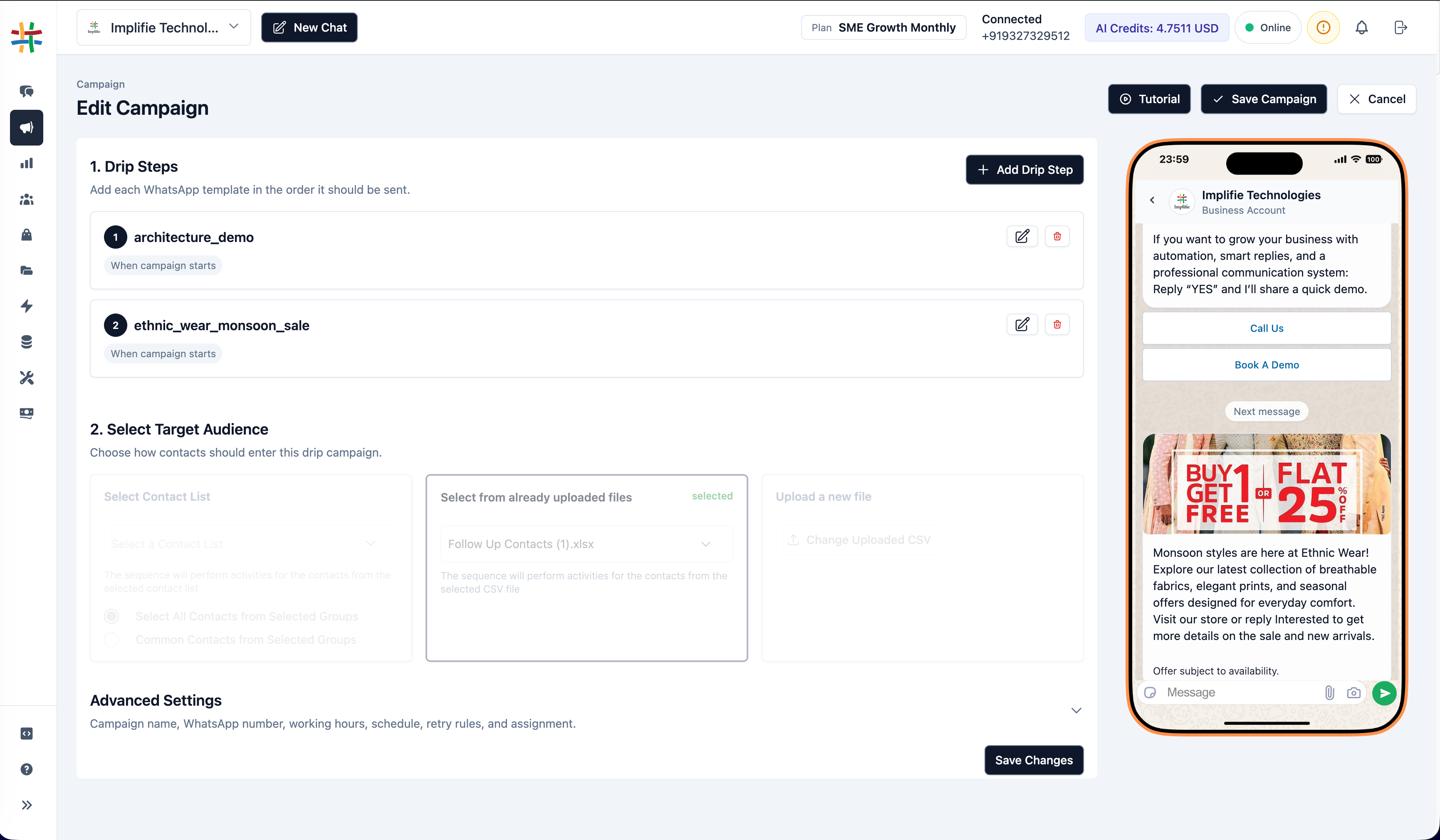
The sequence editor combines message steps, timing and a mobile preview so teams can review the experience before submitting the campaign.
Each step uses an approved WhatsApp template and the required sender configuration.
Prepare templates and audience data before activating the sequence.
Start from the shared Campaign interface and select Sequence as the campaign type.
Choose approved templates and define the waiting period for each follow-up step.
Use an available contact list or supported CSV audience and confirm the sender.
Validate the sequence, schedule and audience before creating or updating the campaign.
Confirm the sender, audience, schedule and mapped template variables before activation. This reduces avoidable failures and protects the experience contacts receive.
Adapt the timing and approved message content to the customer journey and consent model used by your business.
Share a planned series of helpful messages after a qualified enquiry.
Guide new customers through setup, education and next steps.
Schedule advance reminders and follow-ups around an important renewal date.
Send confirmation, preparation and post-event follow-up messages.
Continue relevant post-purchase communication when the workflow and consent support it.
Run a deliberate sequence for eligible inactive contacts rather than sending unrelated broadcasts.
A drip campaign is a sequence of planned WhatsApp messages sent in steps, with a configured delay between messages.
Each sequence step uses an available approved WhatsApp template and its supported variables or media.
Yes. The campaign interface supports defined audience sources such as an available contact list or supported CSV upload.
Implifie includes an automation action for adding the current contact to a configured sequence when the target sequence is eligible and active.
Sequence access and active-sequence limits depend on the organization's Implifie plan. Check the current pricing and plan limits before publishing a campaign.
Combine connected Implifie capabilities to manage acquisition, conversations, follow-ups and support from one workspace.
Create multi-step WhatsApp sequences with clear timing, approved content and a defined audience.